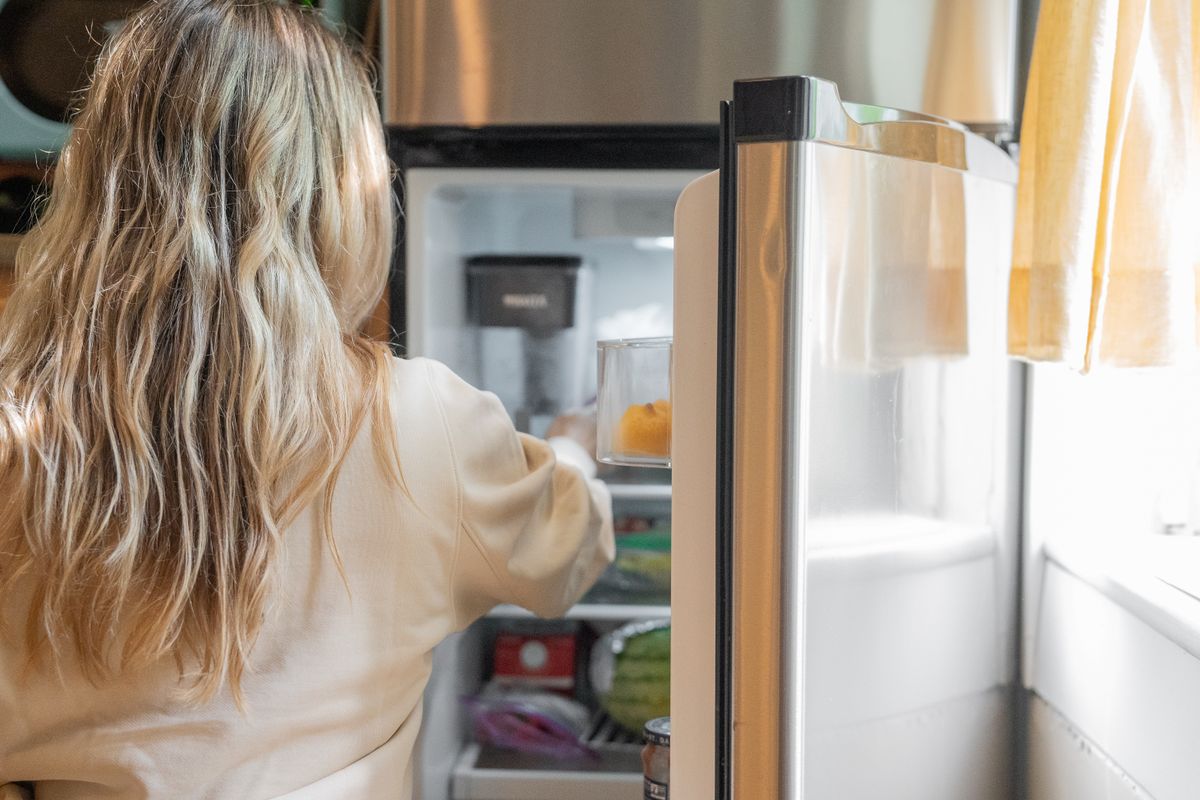
 Deciding
Decide dinner without the forty-minute scroll
Everything looks good and nothing looks like dinner. A shorter route from open app to decided meal.

Stokd turns recipes from social links and websites into one calm flow for pantry decisions, shopping, and cooking.


Coming soon to the App Store and Google Play.
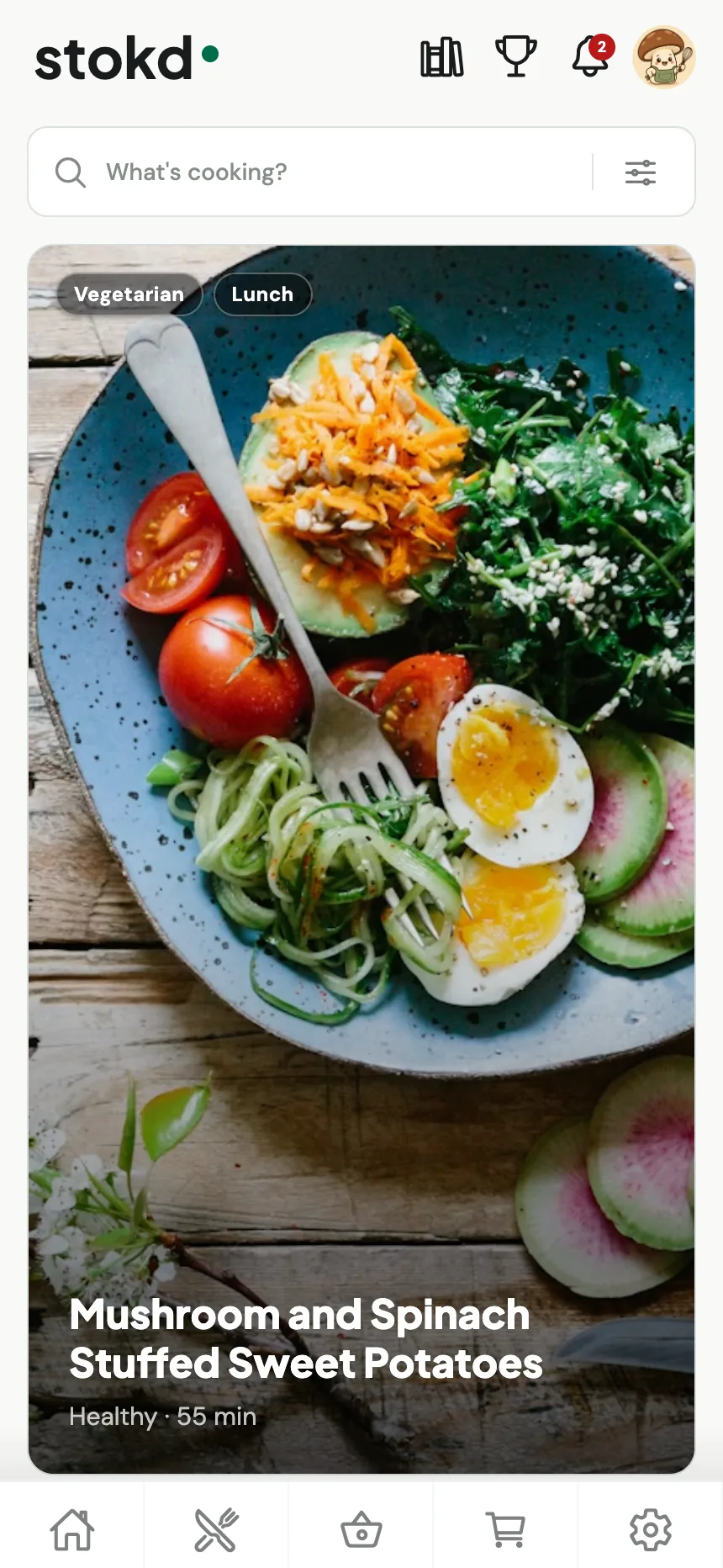
One place for everything between “save” and “serve.”
WHY STOKD
No tab hunting, no guessing what’s in the cupboard, no scrolling at 6pm.
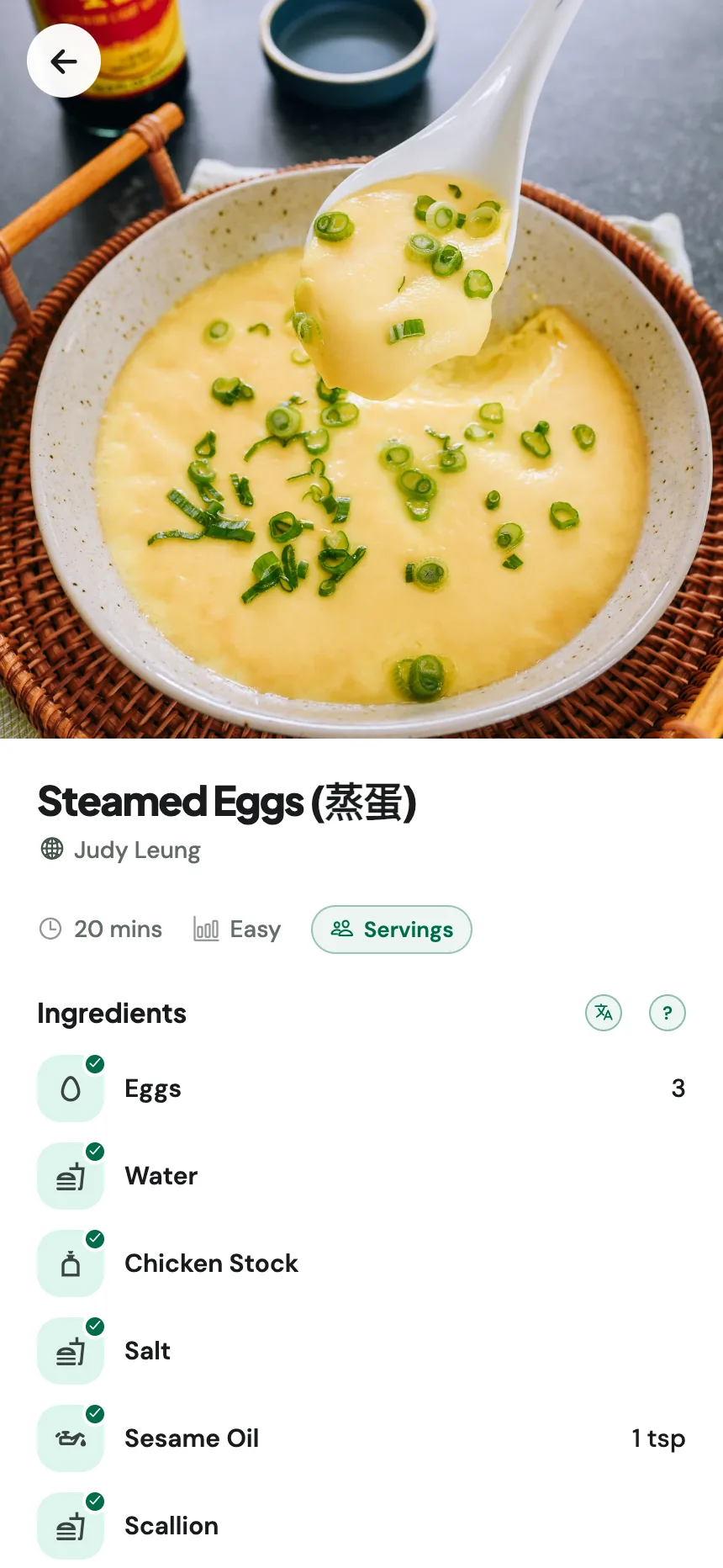
01. SAVE ANYWHERE
Share a link from Instagram, TikTok, YouTube, or any website. Stokd pulls out the real ingredients, quantities, and steps, not the caption, and files it in one searchable collection. See the steps for each source.
 Instagram
 TikTok
 YouTube
 Pinterest
 Facebook
 Safari
 Rednote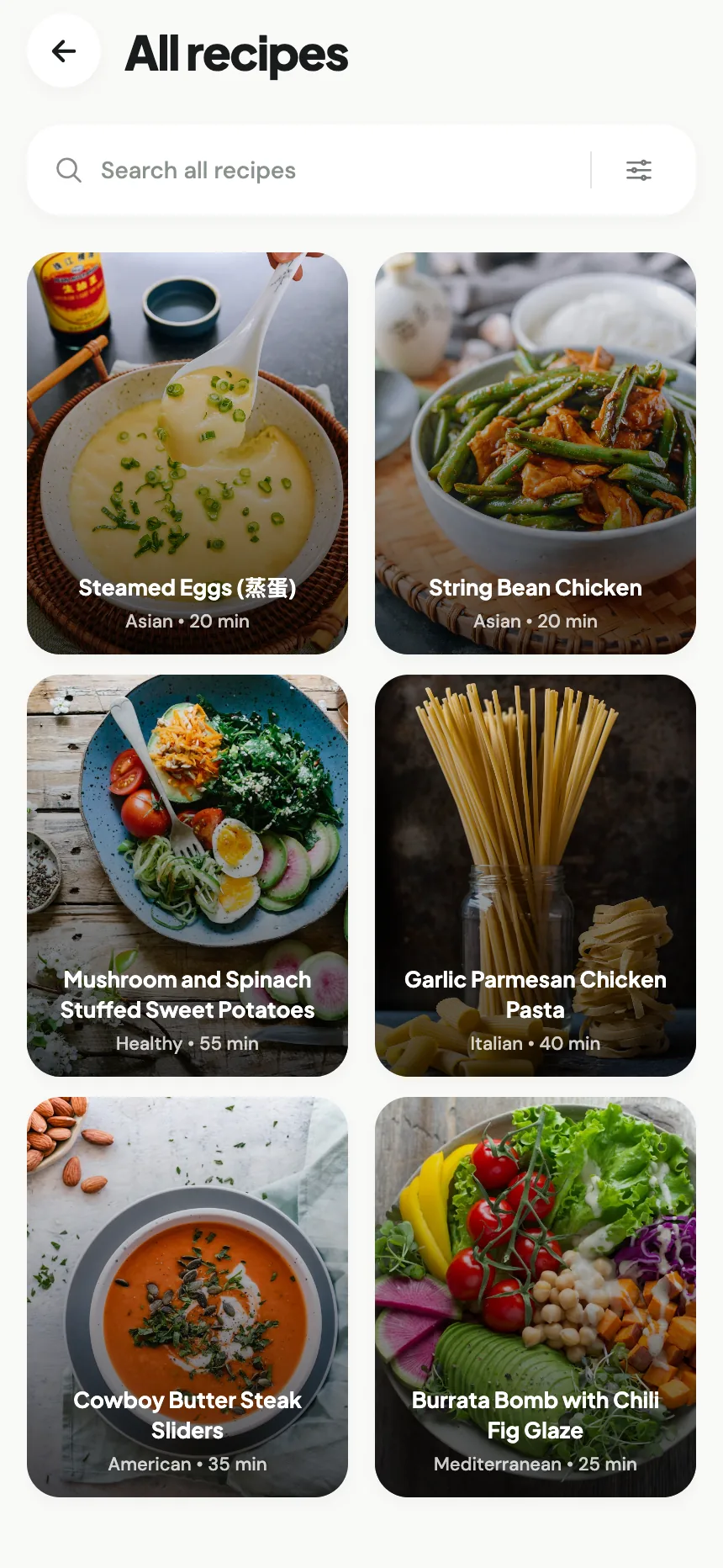
02. CHEF COLLECTIONS
Browse collections from chefs and creators across every cuisine. Open one and it behaves exactly like a recipe you saved yourself: checked against your pantry, ready for cook mode.
03. YOUR PANTRY
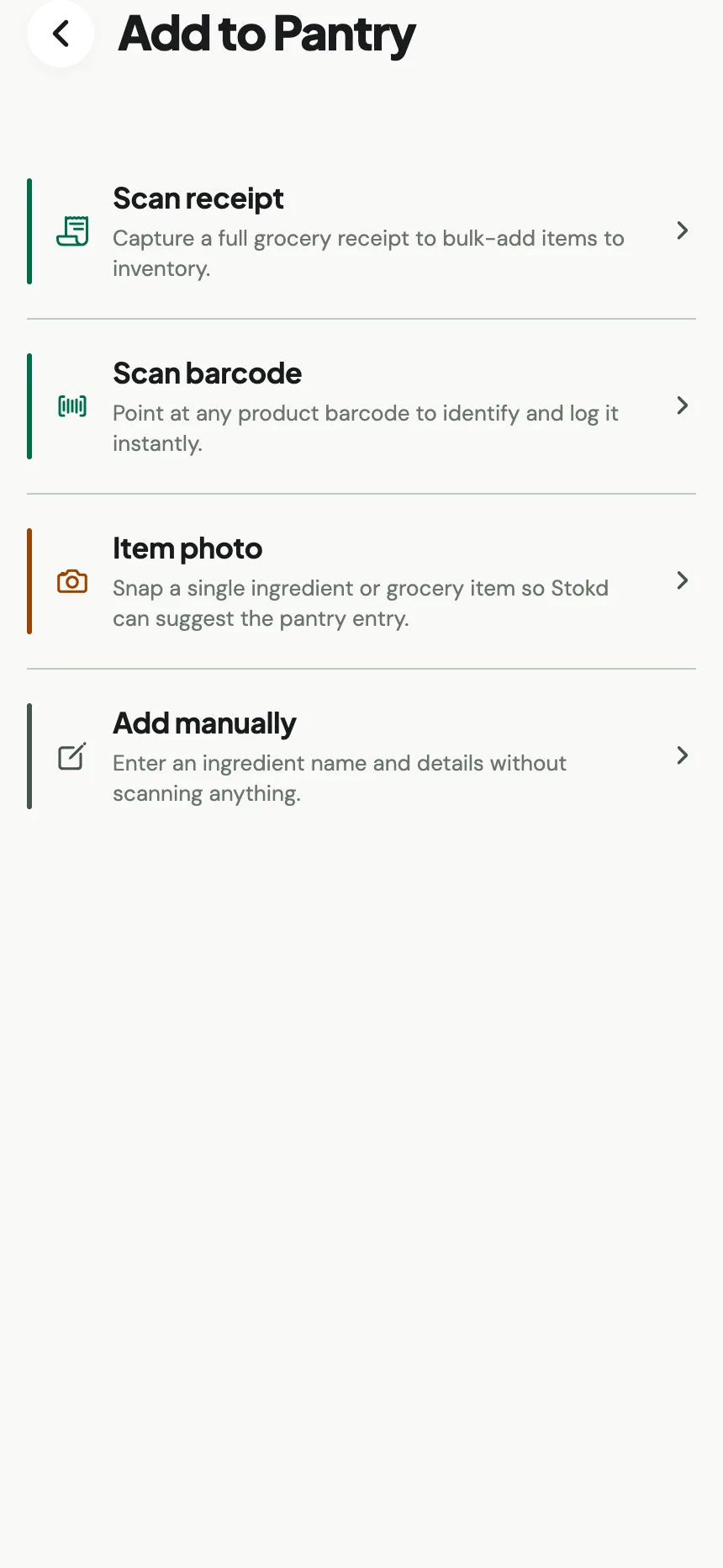
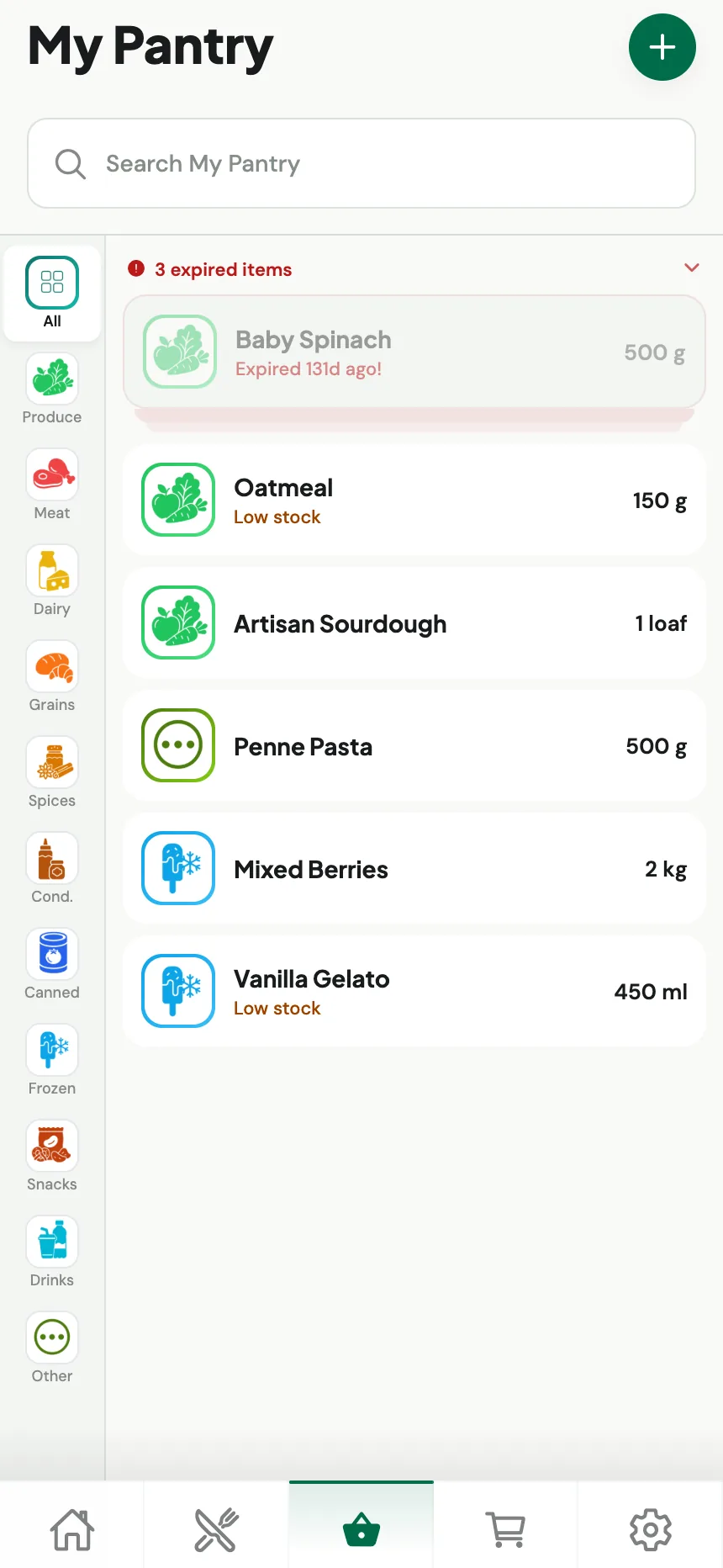
Snap a grocery receipt, point at a barcode, or photograph what’s on the shelf. Stokd logs the items, tracks quantities, and flags what’s low or expiring, so you stop buying a third jar of cumin.
04. COOK MODE
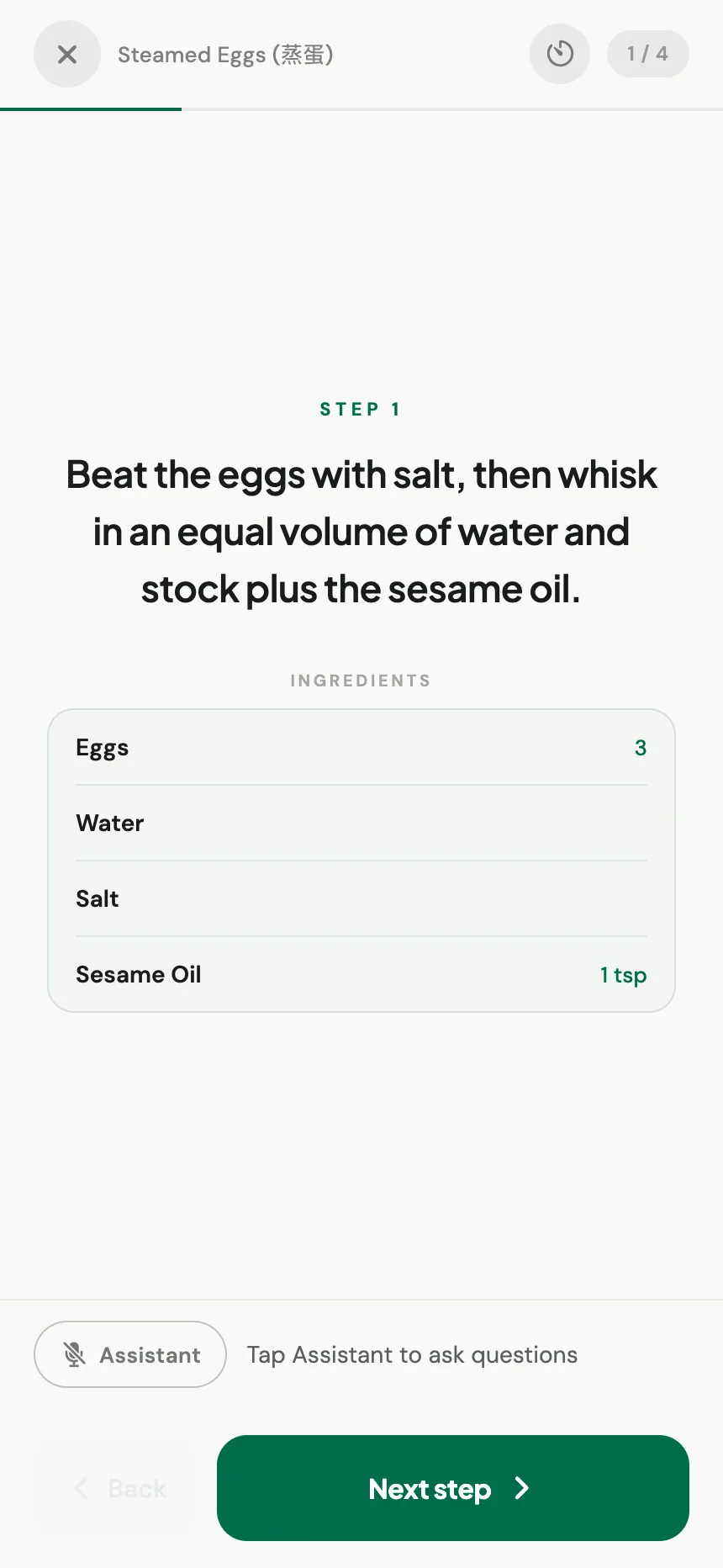
Cook mode shows one step at a time with only the ingredients that step needs, plus built-in timers. Ask a question out loud and Stokd answers, so your hands stay on the food.
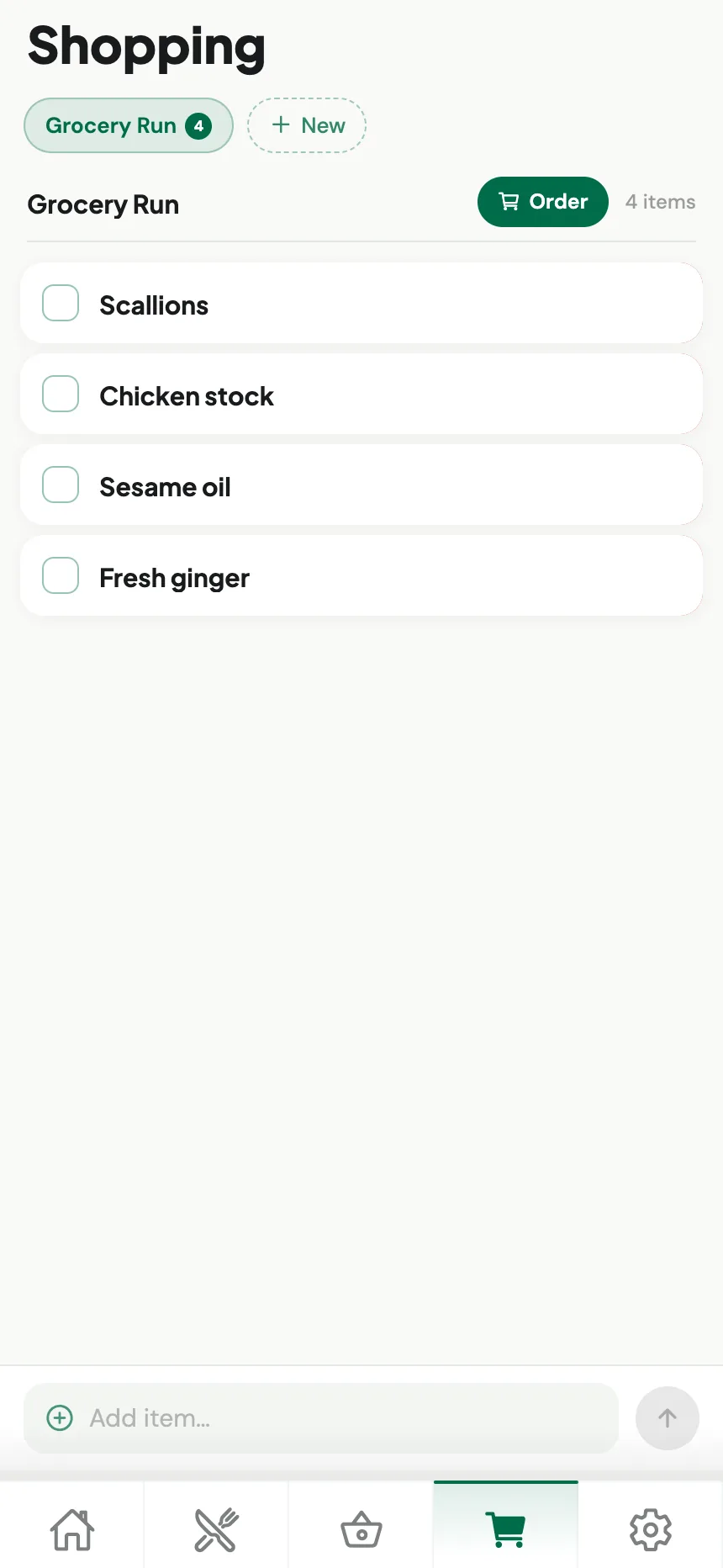
05. SHOPPING LISTS
Choose a recipe and Stokd builds the list from its ingredients, leaving out everything already in your pantry. Share it, tick it off in the aisle, or send the whole run to be ordered.
EVERYTHING IN STOKD
Import, pantry, lists, and cooking are not five apps stitched together. They are one loop, so what you save, what you own, and what you buy always agree.
Paste a link from Instagram, TikTok, YouTube, Pinterest, or any site. Stokd keeps the ingredients and steps, not the caption.
Recipes from chefs and creators across every cuisine, each one behaving exactly like a recipe you saved yourself.
Scan a receipt, a barcode, or a shelf photo. Quantities, low stock, and expiry dates stay current without manual entry.
Every recipe is checked against your shelves, so you see what is ready to make and exactly what is missing.
Pick what you are making and the list builds from the gaps. Share it, tick it off in the aisle, or order the run.
One step at a time with only the ingredients it needs, built-in timers, and hands-free answers on Stokd Pro.
The kitchen loop
Receipt, barcode, or shelf photo: what you actually own, on the record.
Saved links, social videos, and chef collections in one searchable library.
Only the ingredients you are missing. Everything stocked is left off.
Guided steps and timers, with answers out loud while your hands stay busy.
Cooking draws the pantry back down, and the loop starts again.
DecidingEverything looks good and nothing looks like dinner. A shorter route from open app to decided meal.
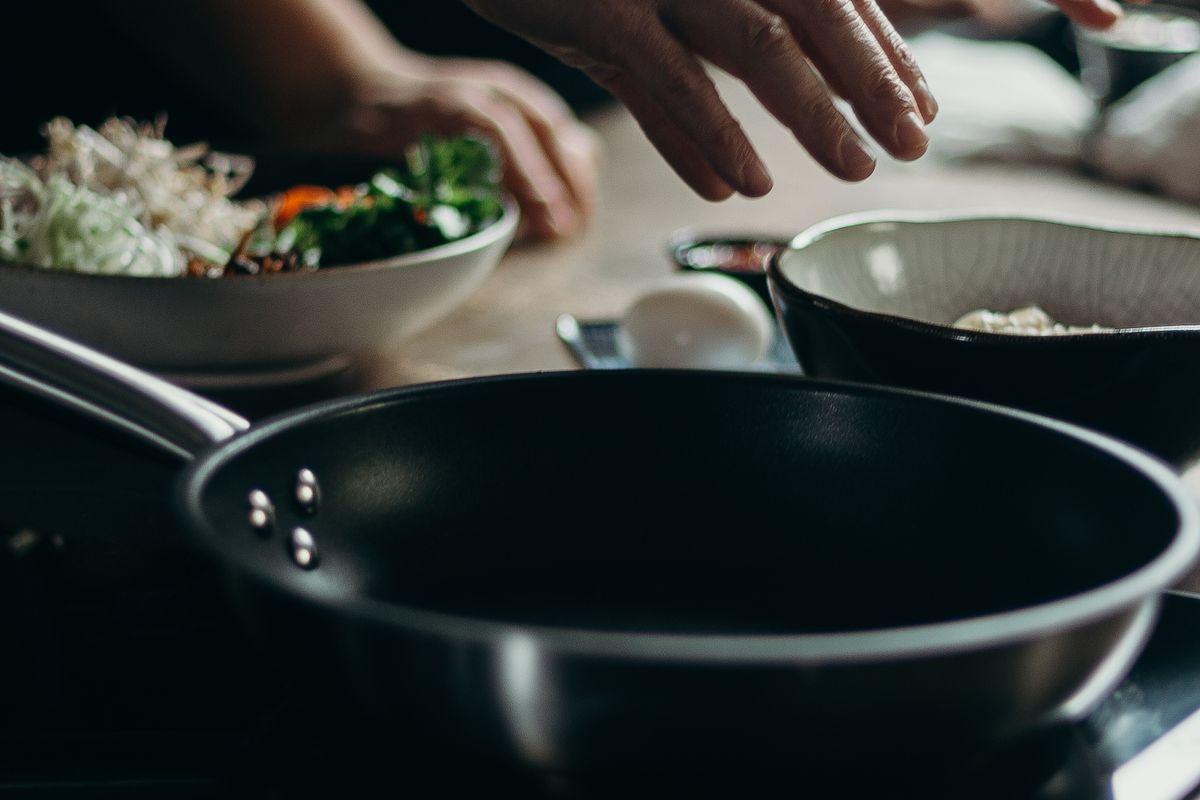 Cooking
Guided steps, built-in timers, and spoken answers, so a smeared phone screen stops interrupting the stove.
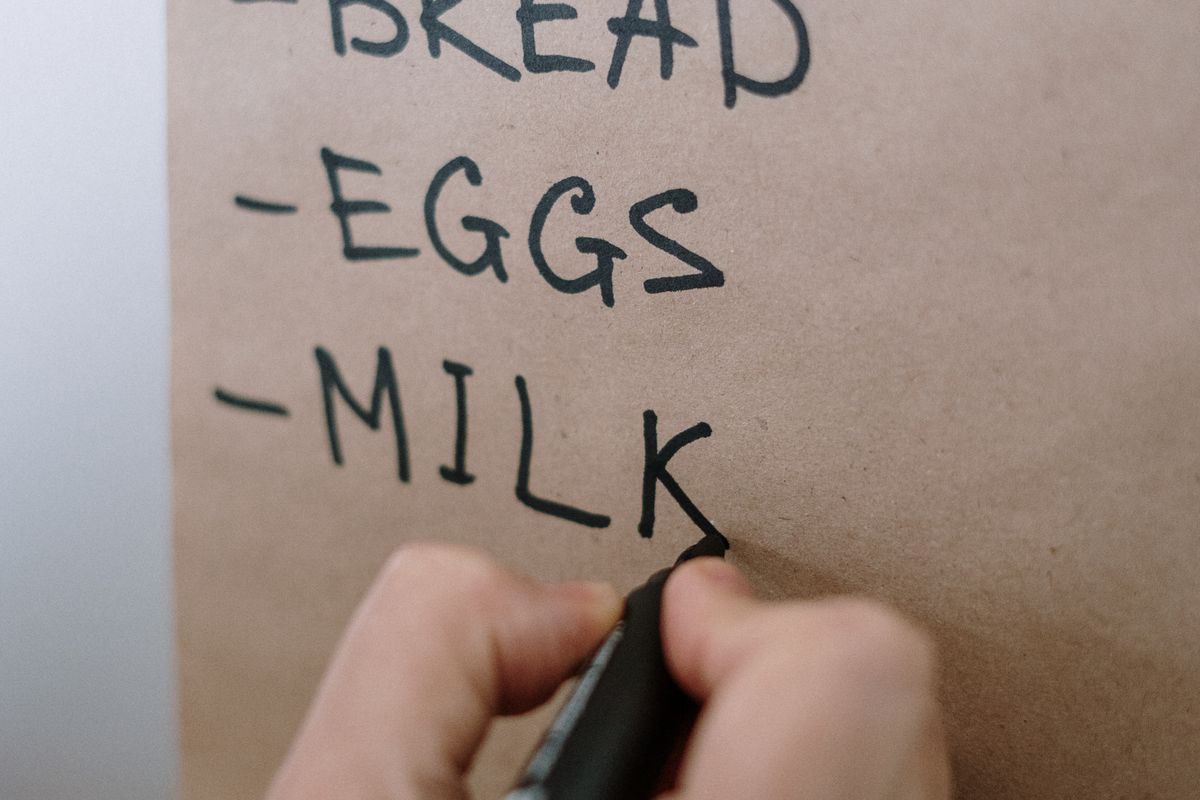 Shopping
Build the list from what a recipe is actually missing, not from memory halfway down aisle six.
AT A GLANCE
Stokd is a recipe and pantry app for iOS and Android. It saves recipes from social links and websites, keeps a record of what is in your kitchen, and shows what you can cook with what you already have.
Stokd helps your kitchen catch up.