You saw it on a Tuesday evening: someone browning butter, a caption promising it took twenty minutes, a sound you have now heard four hundred times. You screenshotted it. It is in your camera roll, somewhere between a parking space and a photo of your friend’s dog.
You are not going to find it again. Not on a weeknight, not with wet hands, not when you actually want to cook it.
A screenshot is a promise you will not keep
The screenshot feels like saving. It takes half a second, it is free, and it removes the small anxiety of losing something good. That is exactly the problem: it is cheap enough to do constantly and useless enough that you never come back.
A camera roll has no search that understands food. It cannot tell you which of those images is a recipe, which is a menu you photographed in a restaurant, and which is a wine label. Three months in, the good ones are indistinguishable from the noise.
What actually goes missing
The image survives. The parts you need to cook do not.
Quantities are usually the first casualty, because they were spoken aloud in the video rather than written on screen. Then the order of steps, which the edit compressed. Then the small caveats that make the thing work: rest it, use the pan you already browned in, do not skip the acid at the end.
You end up with a picture of a finished dish and a vague memory of confidence. That is not a recipe. That is an advertisement for a recipe.
Start with the link, not the picture
The link is the durable object. It points at the original post, where the ingredients, the quantities, and the steps still exist in text, even if the video buried them.
Copy the link from Instagram, TikTok, YouTube, Pinterest, Facebook, Safari, Rednote, or any recipe site, and bring that into your collection instead of rebuilding the thing by hand. Extraction pulls the ingredients and the method out and leaves the caption, the preamble, and the story about the author’s grandmother behind.
This matters more than it sounds. Retyping a recipe is a five-minute job, and a five-minute job is one you will not do at the moment you find something. Anything that takes longer than the impulse lasts does not get saved.
Check it before you trust it
Automatic extraction is very good and occasionally wrong, and the moment to catch that is now, while the original is still open in front of you, rather than at the stove with the onions already on.
- Read the quantities, especially anything given by eye in the video
- Check the steps are in the order they actually happen
- Confirm the oven temperature and the tin size, which are frequently spoken and rarely captioned
- Cut anything that is not an instruction
Two minutes here is the difference between a recipe you can cook from and a recipe you have to re-watch.
Name it the way you will search for it
The title the original used is written to be clicked, not found. “The only pasta you will ever need” tells you nothing in a list of two hundred saves.
Rename it to whatever you would actually type: the main ingredient, the method, the reason you saved it. Miso butter pasta. Chicken thighs, one tray, high heat. You are writing for a version of yourself who is tired, hungry, and searching with one hand.
The caption is not the recipe
A lot of what arrives with a recipe is not part of it. The hook, the personal anecdote, the note about which pan is on sale — none of that helps at the counter, and all of it makes the steps harder to scan when you are cooking.
Keeping the recipe and dropping the packaging is most of what makes a saved collection usable later. The goal is something you can read at a glance with the extractor fan on, not an archive of the internet.
Saving is the beginning, not the end
A recipe sitting in a folder is inert. It becomes useful when it can be checked against what is in the cupboard, when the missing items can become a shopping list, and when the steps can be followed one at a time while you cook.
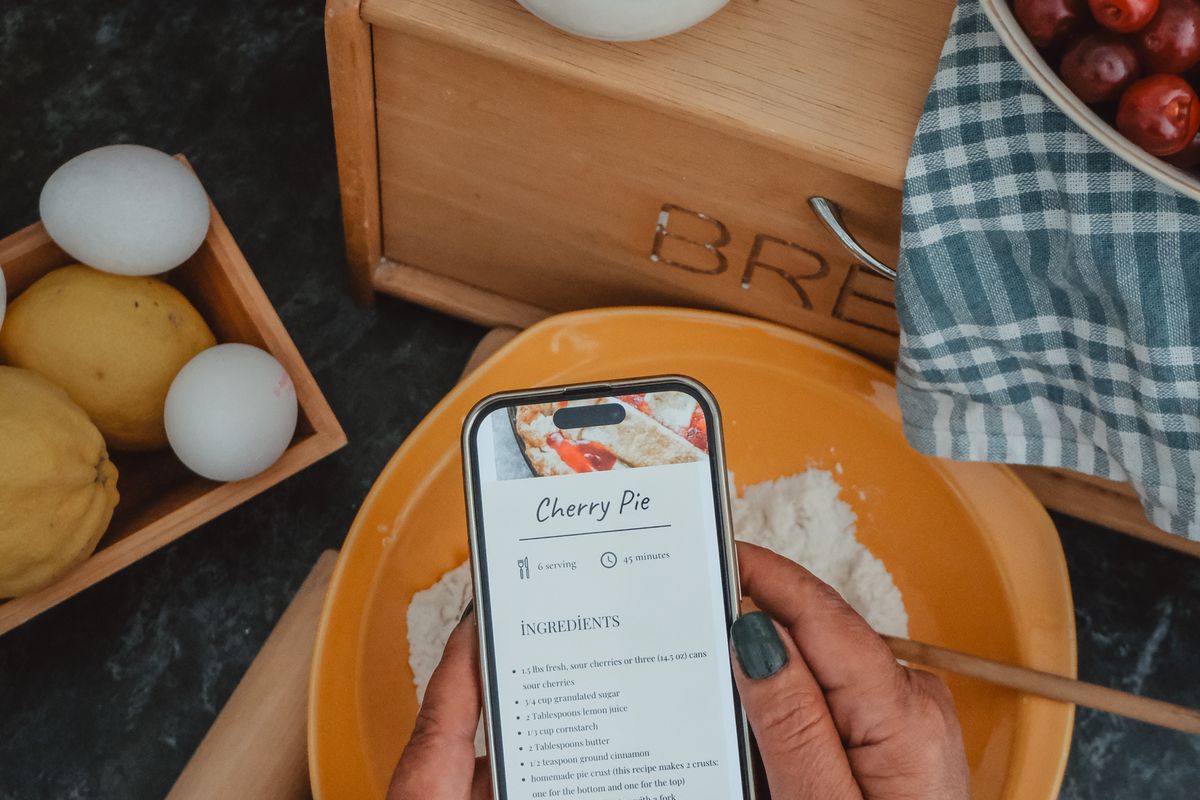
That is the actual argument for saving properly rather than screenshotting. Not tidiness. A recipe stored as text can be compared to your pantry, subtracted from, and cooked from. A recipe stored as a picture can only be looked at.
What to do with the backlog
You almost certainly have hundreds of screenshots already, and the instinct is to set aside an afternoon and process the lot. Do not. That afternoon never arrives, and if it does you will get forty images in and stop.
Leave the backlog alone and change what happens next time. Save the next recipe properly, and the one after that. Within a month you will have thirty recipes you can actually cook from, which is thirty more than the camera roll ever gave you.
If you want to reclaim some of the old ones, do it the lazy way: when you are hunting for something to cook and remember a screenshot, find that one, save it properly, and cook it. The recipes worth rescuing are the ones you think of unprompted. The rest were never going to be dinner.